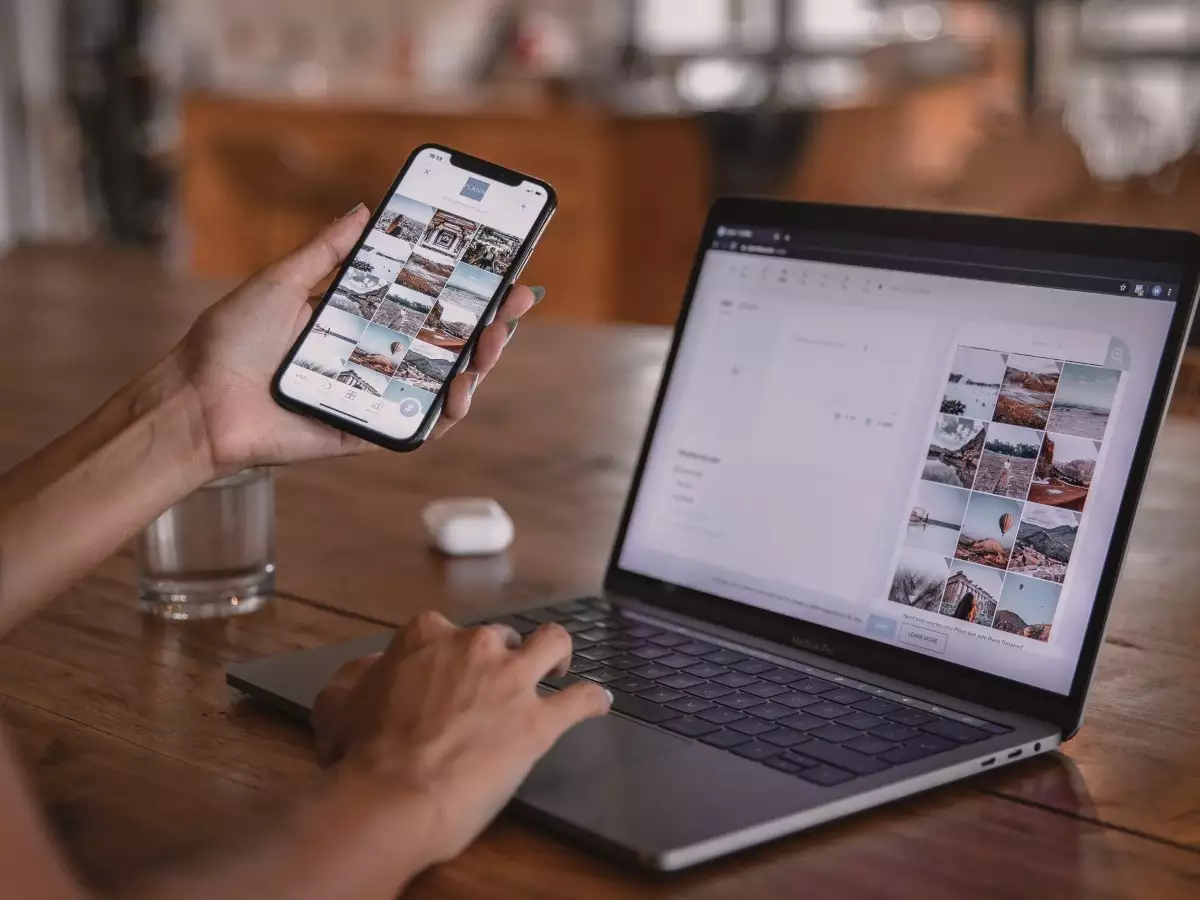
In today’s world, Bluetooth has become a handy tool for connecting our gadgets without the fuss of cables. Whether you’re syncing your smartphone with your laptop, pairing your wireless headphones with your tablet, or just trying to get two devices talking to each other, Bluetooth makes it easy. Let’s walk through the simple steps to get your devices connected wirelessly.
1. Turn on Bluetooth on Both Devices
First, you’ll need to make sure Bluetooth is switched on for both devices you want to connect.
On Smartphones/Tablets:
Head to your Settings app.
Look for “Bluetooth” and tap on it.
Make sure the toggle is turned on.
On Windows PCs:
Click on the Start menu and go to Settings.
Select “Devices,” then “Bluetooth & other devices.”
Turn on Bluetooth if it’s not already on.
On macOS:
Click the Apple menu and open System Preferences.
Click on “Bluetooth” and turn it on.
2. Make Devices Discoverable
For your devices to find each other, they need to be discoverable.
On Smartphones/Tablets:
In Bluetooth settings, your device should automatically be discoverable. If not, just open Bluetooth settings and keep the page open.
On Windows PCs:
In “Bluetooth & other devices” settings, click “Add Bluetooth or other device.”
Select “Bluetooth” and make sure your PC is ready to be found.
On macOS:
With Bluetooth turned on, your Mac should be discoverable. Just leave the Bluetooth preferences window open.
3. Pair the Devices
Now, let’s get those devices paired up!
On Smartphones/Tablets:
In Bluetooth settings, your device will start searching for nearby Bluetooth devices.
Find the device you want to connect to and tap on it.
Confirm the pairing request if it pops up on both devices.
On Windows PCs:
Click “Add Bluetooth or other device.”
Choose “Bluetooth” and select the device you want from the list.
Follow the on-screen instructions to finish pairing.
On macOS:
In the Bluetooth preferences window, click on the device you want to connect to and select “Connect.”
Confirm the pairing if needed.
4. Confirm the Connection
Make sure everything is working as it should.
On Smartphones/Tablets:
Check your Bluetooth settings. The connected device should show up as “Connected.”
On Windows PCs:
In “Bluetooth & other devices,” the connected device should appear as connected.
On macOS:
In Bluetooth preferences, your device should list as connected.
5. Troubleshooting Tips
If you hit a snag, here’s what you can do:
Restart Devices: Sometimes, turning things off and on again can fix the issue.
Check Compatibility: Ensure both devices are Bluetooth-compatible.
Update Software: Make sure your devices are running the latest software.
Re-pair Devices: Try disconnecting and reconnecting the devices if you’re having trouble.
6. Enjoy Wireless Freedom
Now that your devices are paired, you can enjoy the freedom of wireless connectivity. Whether you’re streaming music, transferring files, or using Bluetooth accessories, it’s all hassle-free.
Conclusion
Connecting two devices with Bluetooth is easy and makes your tech life a lot simpler. Just follow these steps, and you’ll have your devices paired and working together in no time. For more tips and tricks on getting the most out of your technology, check out our blog for more handy guides!